
FAQ & Troubleshooting
Common questions, known issues, and troubleshooting guidance for CARWatch.
FAQ & Troubleshooting
This page summarizes common support topics for CARWatch based on the current onboarding and troubleshooting slides.
FAQ
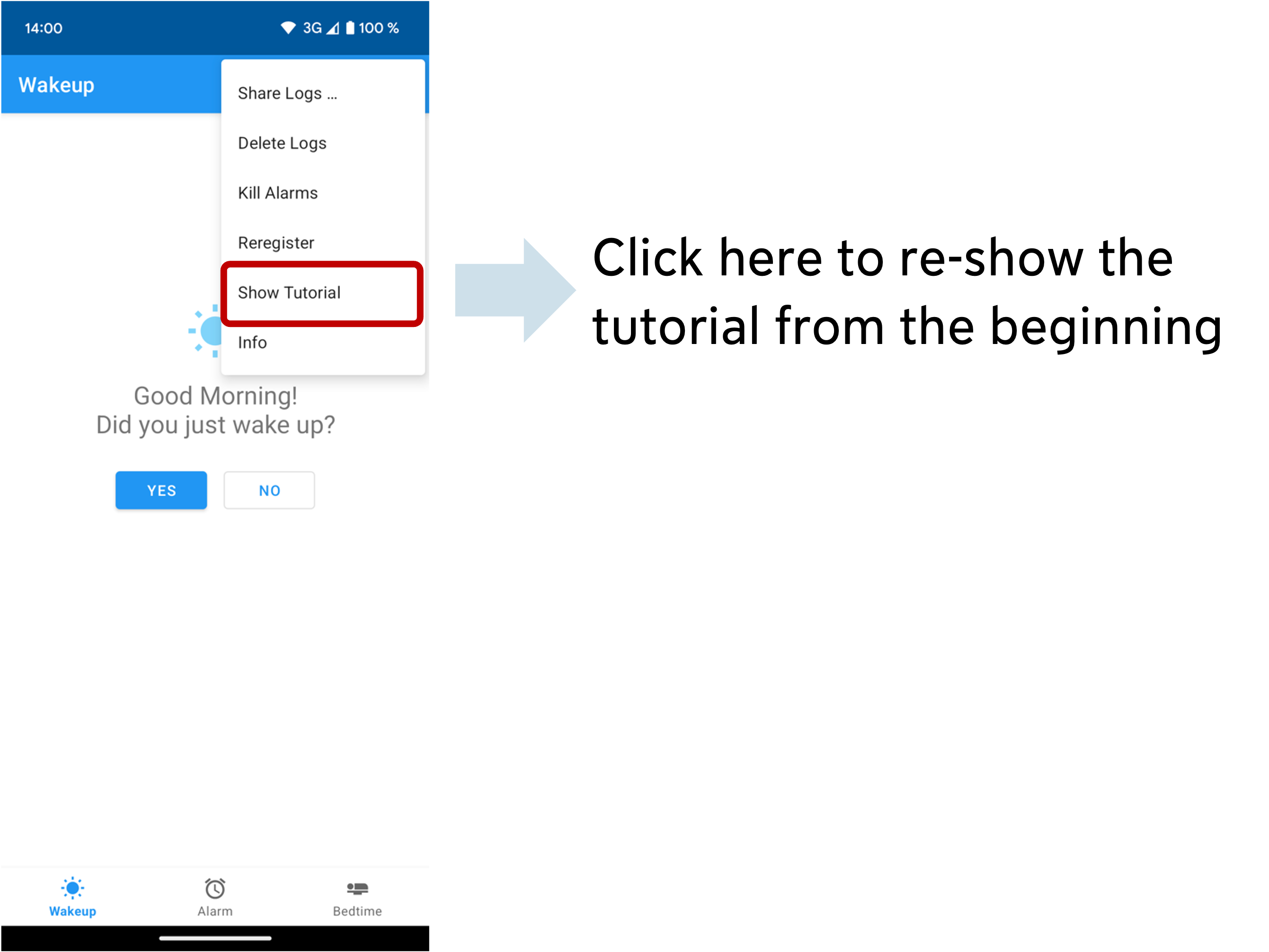
How can I demonstrate the CARWatch app to participants?
If you want to walk participants through the app again, use the in-app option to re-show the tutorial from the beginning.
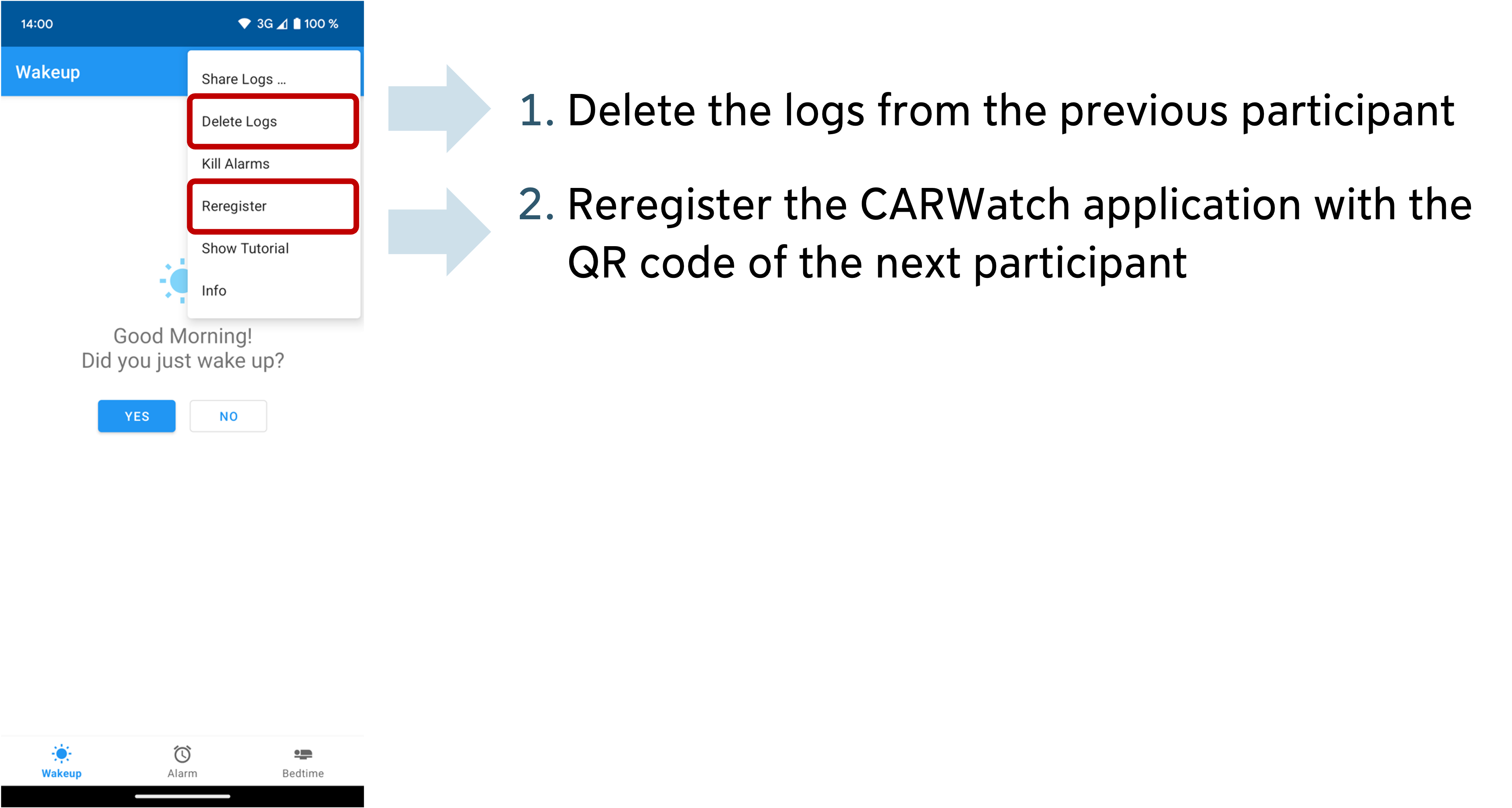
I am using study phones and want to prepare a phone for the next participant
Before handing a study phone to the next participant:
- delete the logs from the previous participant
- register the CARWatch app again with the QR code for the next participant
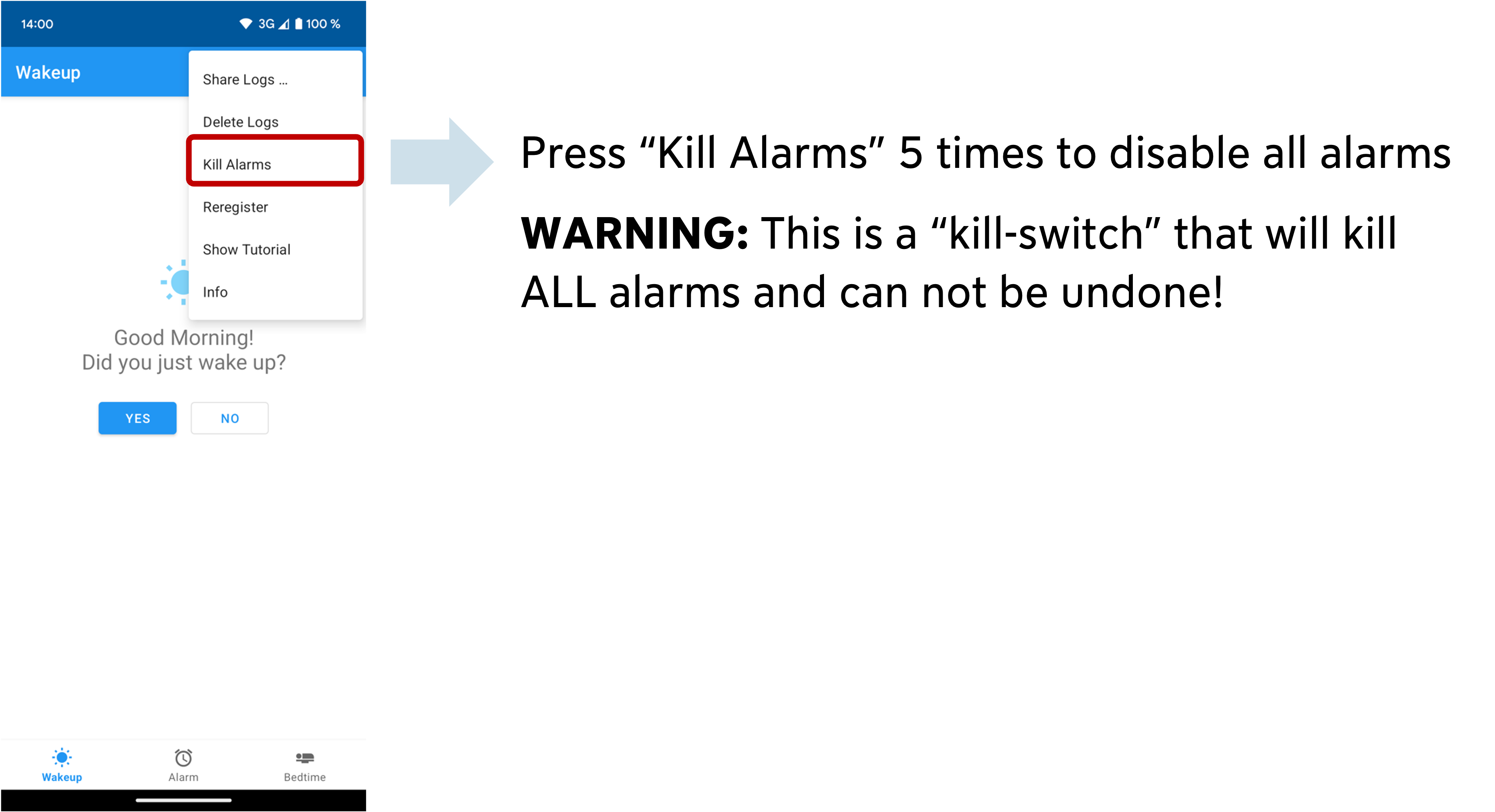
Help, the alarms are stuck and cannot be turned off
CARWatch includes a kill switch for this case:
- press
Kill Alarmsfive times - this disables all alarms
This action cannot be undone, so it should only be used when alarms are stuck.
Known Issues & Troubleshooting
The alarms do not ring, or they ring inconsistently
On some Android devices, manufacturer-specific settings can interfere with reminders and alarms even when the normal Android settings look correct.
Possible fixes:
- Turn off battery optimization for CARWatch, including manufacturer-specific battery-saving features, as described here
- Add CARWatch to the device auto-start whitelist, as described in this video
- Check whether the manufacturer adds extra lock-screen notification restrictions on top of standard Android settings, as described here
- On Xiaomi or Redmi devices, try disabling MIUI optimization, as described in this video
These settings differ by manufacturer and Android variant, so the exact wording of the menus may vary from device to device.
Need More Help?
If the issue is not covered above, please open an issue in one of the CARWatch GitHub repositories or contact us directly by email.