Components
Overview of the main software components of the CARWatch framework.
Components
For your first study, follow the getting-started guide from study preparation to data analysis.
Study Manager
The Study Manager is a web-based tool for study configuration, study material preparation, and post-study log processing. It’s available here.
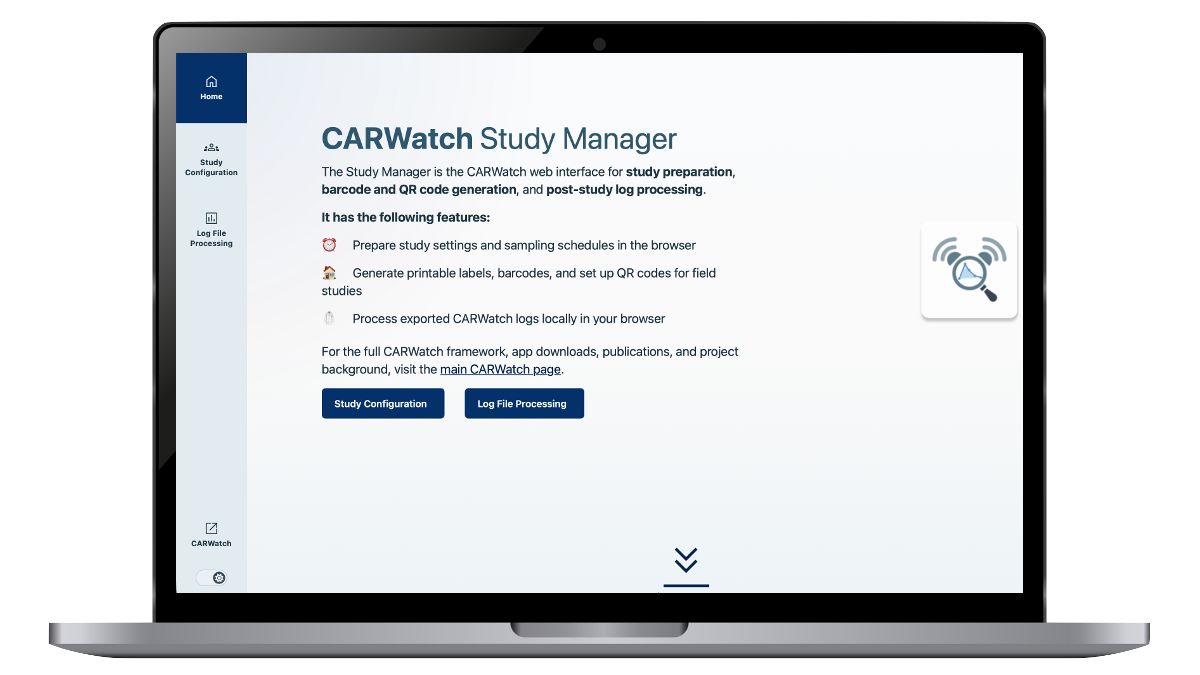
It can be used to:
- define study parameters
- generate barcodes and QR codes
- prepare study materials
- process exported CARWatch log files
This part of the workflow remains completely client-side in the browser, so exported study data is not uploaded to external servers for processing.
The source code for the Study Manager is available on GitHub.
Software Packages
CARWatch provides language-specific software packages for processing CARWatch logs and saliva data after collection.
Python Package
The CARWatch Python package provides tools for loading, converting, validating, and analysing CARWatch logs and saliva data. The current version is available on PyPi.
Install it with Python 3.10 or newer:
pip install carwatch
See the package documentation for tutorials and the function reference.
R Package
The CARWatch R package is available on CRAN.
Install it from CRAN with R 4.3 or newer:
install.packages("carwatch")
library(carwatch)
See the package documentation for tutorials and the function reference.
Smartphone Apps
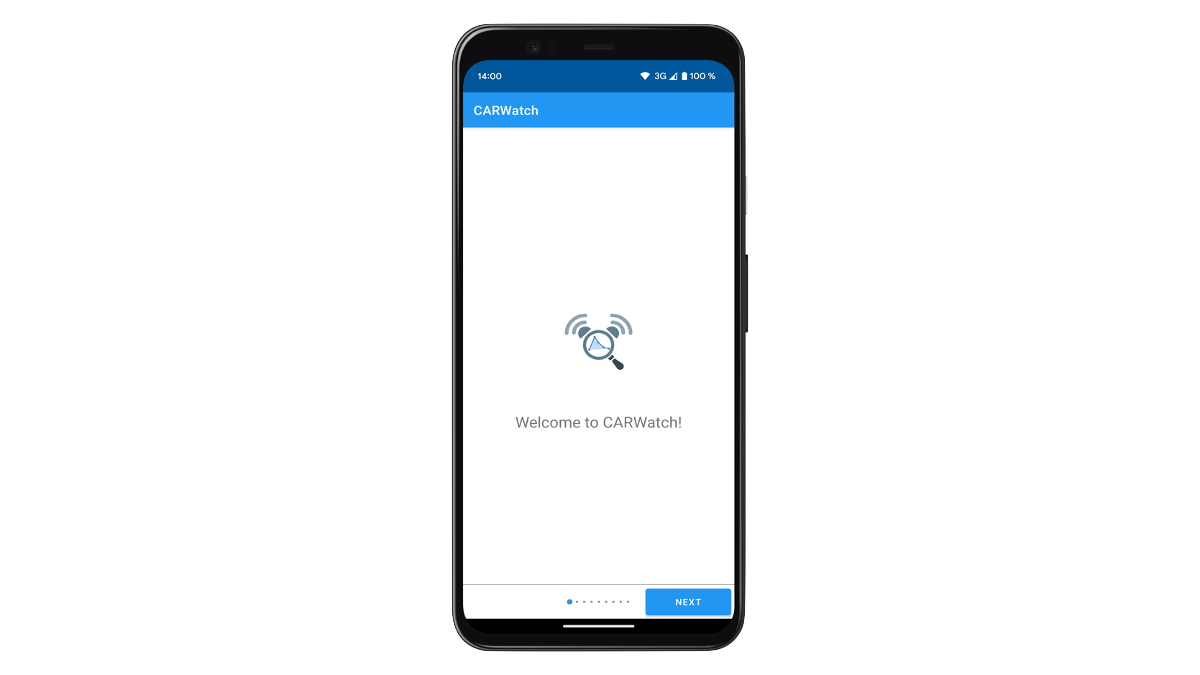
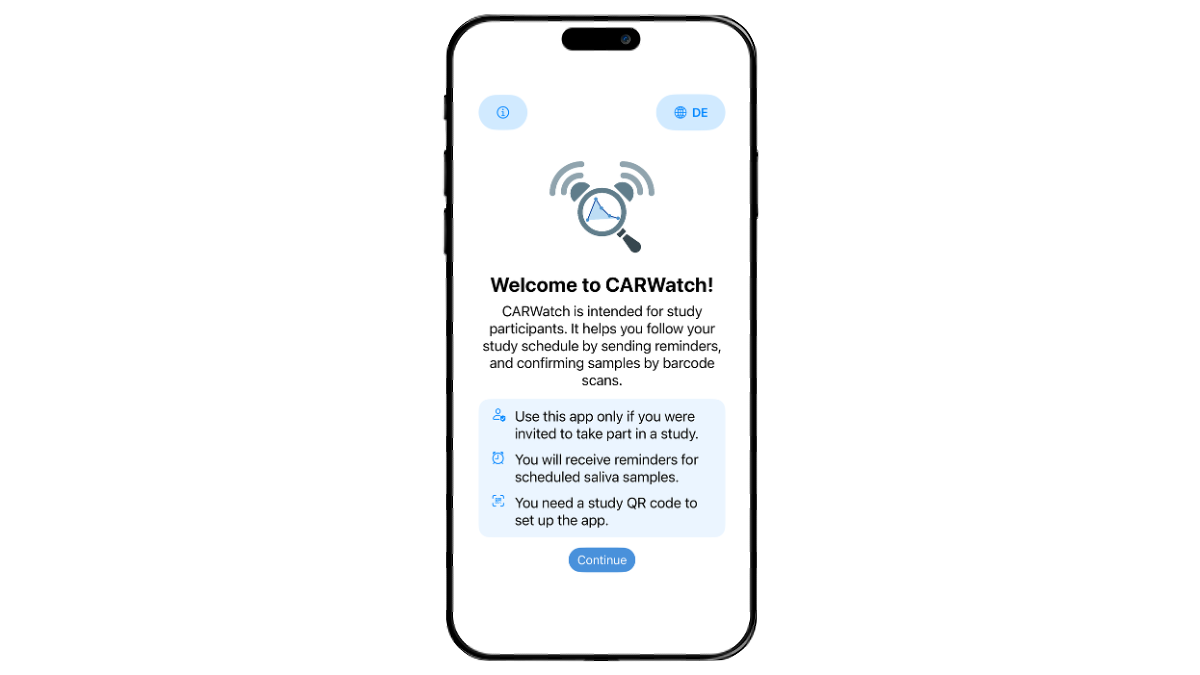
CARWatch includes smartphone applications for Android and iOS that support the mobile part of the sampling workflow, including reminders, awakening reports, barcode-based recording of sample events, and QR-code-based study setup.

Android App
The current Android app release is available on Google Play.
The source code is available on GitHub.
iOS App
The current iOS app release is available on the App Store.
The source code is available on GitHub.
Support and contributions
CARWatch is developed across the repositories in the CARWatch GitHub organisation. Use the issue tracker for the component concerned to report a bug or discuss a contribution:
Include the component version, relevant device or operating system, and steps to reproduce the problem. Use a minimal example without participant data in public reports.